
How to Search Cases by Name
The free Prowers County docket search offers separate Prowers modes for individuals and businesses. Pick the correct mode first. A person search takes a first and last name. A business search takes the organization name. Because the Prowers system also demands a date plus at least one more filter, keep Prowers County selected and narrow the window to the likely hearing period.
- Select Prowers County and a short date range.
- Choose Individual or Business, then enter the name in the matching fields.
- Add Court Type or another known filter when too many results appear.
- Compare the caption and case number on each result, not the name alone.
- If there is no hit, broaden the date, test District versus County Court, and check whether the summons names a municipal court.
CoCourts itself cautions that an index name is not positive identification. A Prowers County name match might belong to somebody else entirely. A blank result screen proves nothing either. It does not show that no case exists. The Prowers case number is the best check when you have it. When a Prowers name has several spellings, try each documented form. Compare filing year, court type, and caption before trusting any result. Search Prowers business names in Business mode rather than splitting them across person-name fields.
| Field | Type | Required | Use |
|---|---|---|---|
| County | Dropdown | One practical locator | Select Prowers County |
| Individual or Business | Radio | Conditional | Chooses the name field set |
| First and Last Name | Text | Optional | Individual party search |
| Business Name | Text | Optional | Organization party search |
| Date Range | Date control | Core calendar filter | Limits scheduled events |
Prowers County Docket Portal
The free Prowers Judicial Branch product answers one narrow question. When and where is a Prowers hearing set? Filters cover Judicial District, Prowers County, Courthouse, Court Type, Division, party, attorney, and the three parts of a case number. Prowers result cards show schedule data. Nothing more. They do not promise charges, full motion history, financials, filed images, or a final disposition. The official prefiltered Prowers search page displays the current fields and result controls.
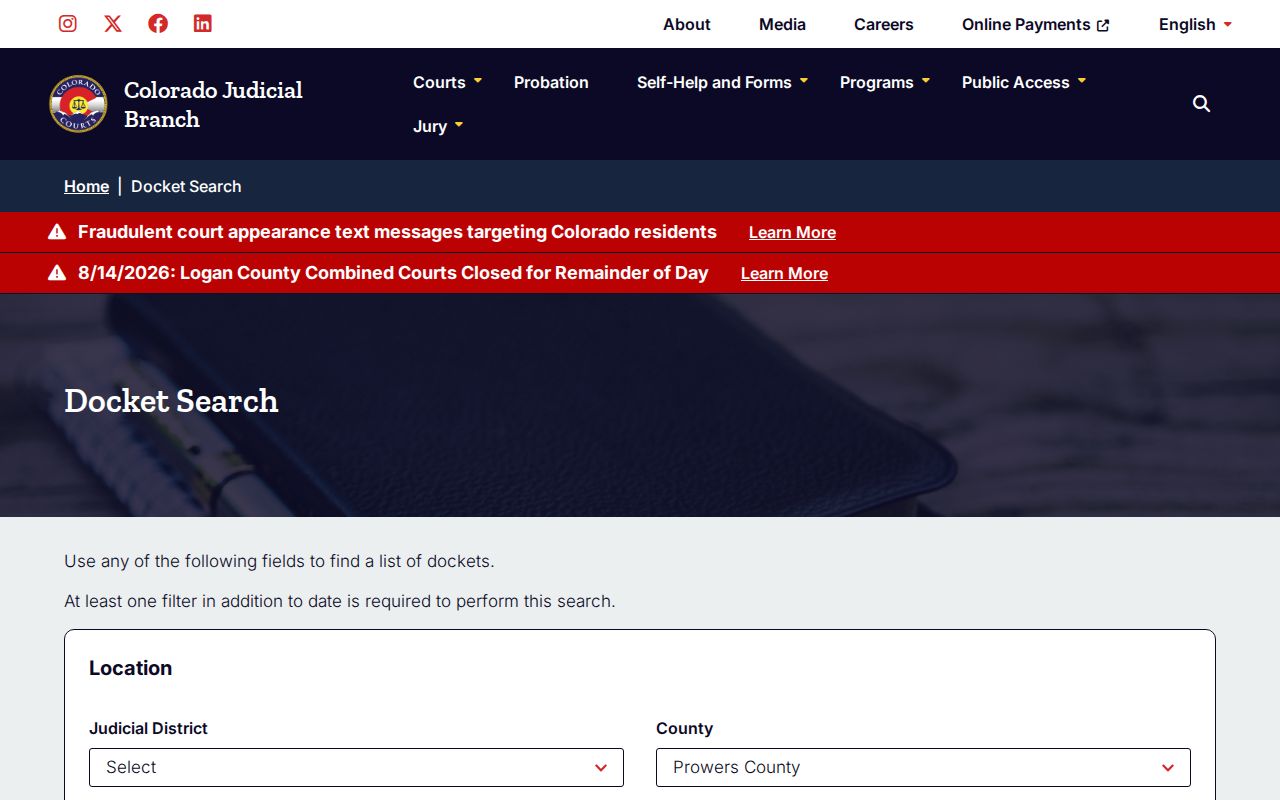
The interface keeps calendar lookup separate from the Register of Action and the clerk-document channels that hold deeper case material. Printable Version and Export Results make a Prowers hearing list easier to work with. One caution: always recheck the live Prowers result, because a date can change.
How to Search by Case Number
Colorado Prowers case numbers show their structure right in the search form. Enter the four-digit Prowers filing year. Pick the case class. Then enter the numeric sequence. Published Prowers formats include 2026M13, 2025T100, and the form example 2019T999999. Skip leading zeroes and punctuation unless the official Prowers record uses them.
- Year
- The four-digit filing year.
- Case class
- Letters that identify a procedural category, such as CR, M, T, C, CV, S, DR, JV, or PR.
- Sequence
- The numeric identifier assigned within that year and class.
- Division
- The assigned judge or courtroom designation, including J or D in published Prowers material.
In Prowers, the letter codes are only a starting point. CR usually signals a District criminal file. M often means a County misdemeanor, and T traffic. Yet the actual Prowers caption and court control the outcome. Prowers civil searches may use C or CV. Small claims use S, domestic relations DR, juvenile JV, and probate PR. If a Prowers transfer or appeal created a new number, search both numbers shown on the paperwork.
Prowers Case Level Mismatches
A missing Prowers result often means you are searching the wrong system. Prowers District Court holds felony and general-jurisdiction matters. Prowers County Court handles misdemeanor, state traffic, limited civil, small-claims, and eviction cases. The Prowers municipal clerks in Lamar and Holly keep their own records. Their ordinance and city-issued traffic files sit entirely separate. Read the Prowers court and address on the summons before assuming anything. A Lamar citation headed to 102 East Parmenter Street will not necessarily surface in the Prowers state search. Granada, Wiley, and Hartman have no standalone Prowers portal. So the issuing court printed on the notice is your key. Call Prowers County Combined Court at 719-336-7424 for state District or County Court files. Lamar is 719-336-1355, and Holly is 719-537-0255.
No result is not a finding of no case. Check spelling, date range, case class, court level, municipal venue, and restricted status before drawing a conclusion.
What a Case Search Shows
A free Prowers County case lookup result is a hearing card. It identifies the Prowers matter and shows how the next listed event is set. That is all it is. The Prowers Register of Action is a different animal. It is the dated history of filings, minute orders, charges or claims, sentences, and every other Prowers case event along the way.
| Date and start time | The scheduled hearing start. |
|---|---|
| Duration | The amount of calendar time reserved. |
| Caption | The public name or case style used to identify the matter. |
| Case number | The year, class, and sequence locator. |
| Hearing type | Examples observed in Prowers results include PreTrial Conference, Hearing on Bond, Hearing on Advisement, and Review Hearing. |
| Appearance and place | IN PERSON or VIRTUAL, Prowers County location, and courtroom or division. |
The Prowers card is no substitute for a signed order. To confirm a Prowers disposition, pull the matching Register of Action entry, then request the Disposition/Sentence Order, judgment, decree, or other filed document from the Prowers clerk.
Prowers ROA and Docket Compared
CoCourts is the state-authorized, paid, real-time route that supplies a Register of Action. The free Judicial Branch docket stays on the calendar side. CoCourts requires an account and a payment flow. The public landing screen does not post its current search price. Verify the price at checkout.
| Channel | Best use | Limits |
|---|---|---|
| Free Judicial Branch docket | Upcoming Prowers County hearing logistics | Not a complete event history |
| CoCourts ROA | Statewide, real-time chronological case activity | Paid; certified detail remains with filing court |
| Combined Court clerk | ROA, pleadings, orders, certified copies, archived files | Request details, fees, or ID may apply |
| Municipal clerk | City ordinance and city-issued traffic files | Separate local custody |
CoCourts warns that a Prowers criminal filing may never have been prosecuted, and that some criminal-history availability is limited. Read Prowers allegations separately from final orders.
Prowers E-Filing Is Different
Colorado Courts E-Filing is a Prowers filing and party-document service. It is not a free anonymous Prowers County case search. Attorneys can file across many Prowers District and County Court categories. Self-represented people may register. They can opt into their own Prowers domestic-relations or eviction case. Even then, Prowers court acceptance is required before eligible case documents reach that party. The official CCE coverage page describes the courts and case types supported.
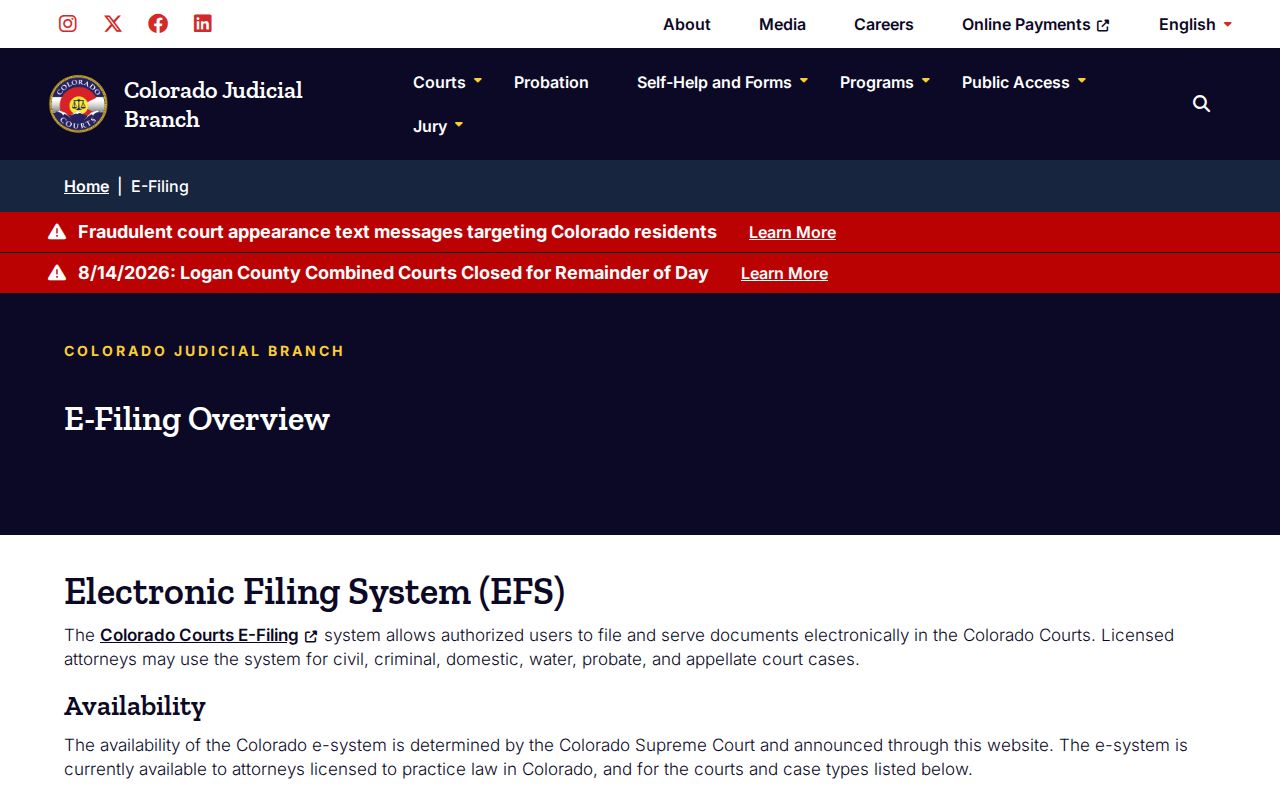
A Prowers e-filing account is not a public search portal. The coverage list makes that plain, and the non-attorney opt-in instructions describe the narrower own-case route.
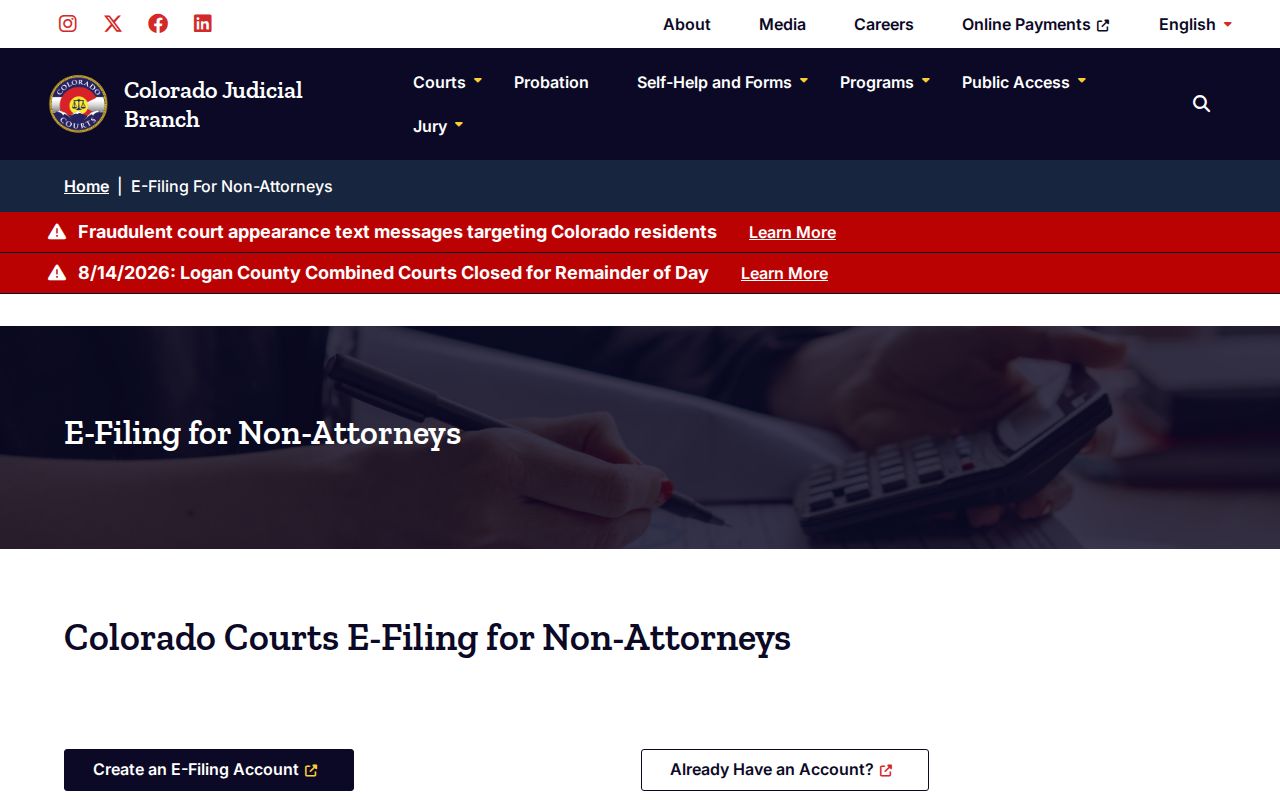
That view gives approved users round-the-clock access to their own case documents. Unrelated public files still go through docket, ROA, and clerk-request channels.
County vs Statewide Case Search
Prowers County runs no separate local public case database for state District and County Court files. The unified Colorado Judicial Branch offers the free county-filtered calendar. CoCourts supplies the statewide paid ROA layer. Behind both sits the Prowers County Combined Court clerk.
Got a known Prowers hearing date? Use the free search. Need a chronological ROA or a multi-county search? CoCourts fits. For actual documents and certified results, use the record form, phone, mail, email where supported, or the Suite 300 counter. Municipal cases route to the city clerk. Older state files may need off-site retrieval at actual cost.
No case number? A $5 clerk name search covers that. Send identifying facts through the official form. Never send payment data through an unsecured message.
Prowers Case Access Update
In June 2026, after a statutory change, the Judicial Branch removed a temporary annual certification prompt from CCE. The update touched authorized CCE users only. CCE did not become an anonymous docket browser, and the split among free calendars, paid ROAs, and clerk documents still stands. The official Judicial Branch update records that access change.
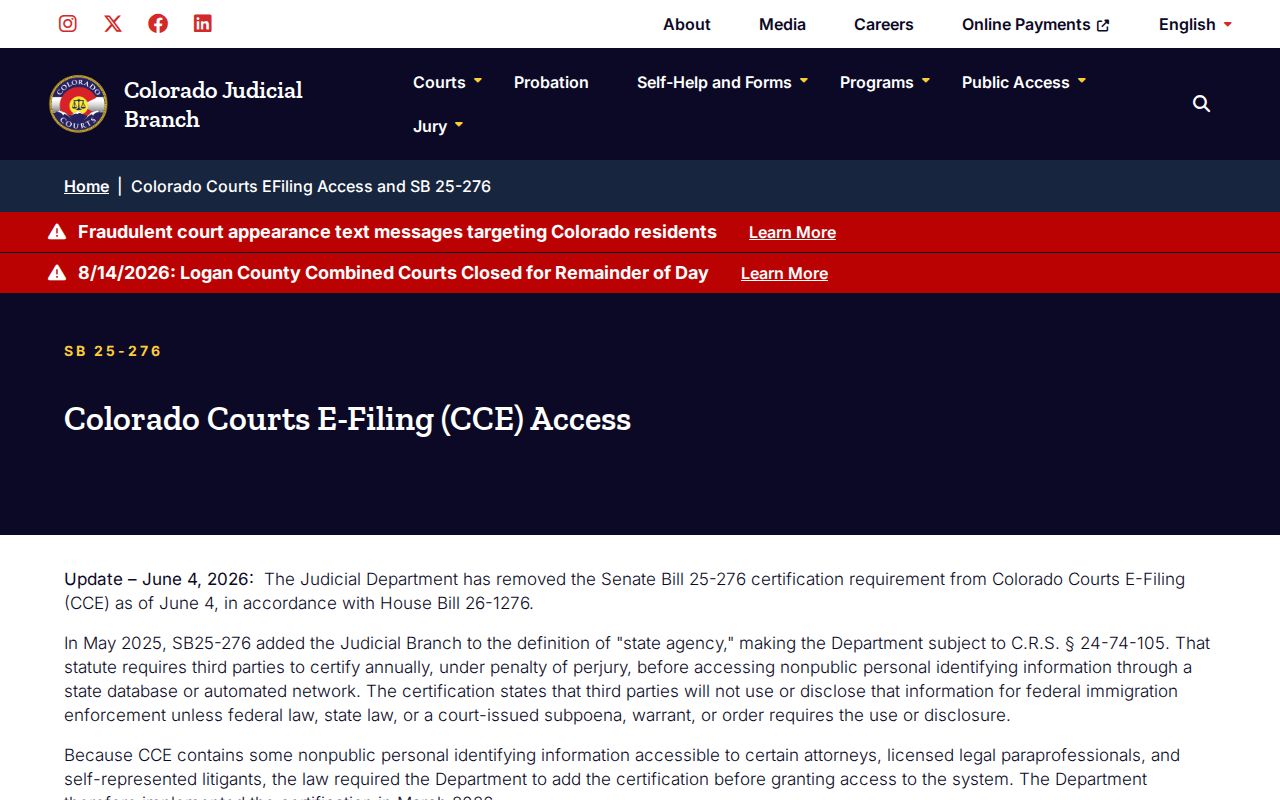
The notice dates the e-filing rules. It does not turn an authorized filing system into public court search. Prowers searchers should still start with the county-filtered docket or CoCourts, then ask the Prowers clerk for the record behind an entry.
Restricted Cases and Access Rules
Not every Prowers file is open online. Some material may be missing from a court docket search. Juvenile, suppressed, sealed, protected family, and some probate records can be trimmed or held back. A sealed case can vanish from an ordinary name search. Requests for suppressed, juvenile, or probate records may require government photo identification. Proof of your role may be needed too. Chief Justice Directive 05-01 governs access to Colorado court case records. It sorts them into remote records, facility-only access, excluded records, and compiled information. The Colorado Open Records Act sets broader government-record principles. But it is not the main rule for pulling a court case file. Ask the Combined Court clerk which authority controls your specific request. One more line matters. CCE access to a party's own eligible file does not open that material to the public. If access is denied, request the governing rule or order and the available review procedure.